



What Can The 3D Earth Simulator Do?
Some features of the 3D earth simulator that you can utilize with your keyboard keys:
Increase and decrease resolution (3 Presets);
Turn ambient lighting on/off;
Turn specular lighting on/off;
Turn color on/off;
To make the topology stand out more you can increase the vertical component of the normal vector. The default multiplier is 4. You can increase or decrease this by using the keys '[' and ']'.There is a few seconds delay while the lighting is recalculated.
You can even use the program as a screensaver! In case you're wondering, no there isn't any spyware or adware in this program.
System Requirements:
We tested the program on a slower system (Pentium 3, 975 MHZ, 8 MB graphics card) and it ran perfectly, even with the highest resolution setting.
You can get the program here:
Freeware Interactive 3D Earth Download 3.62 MB
After downloading, simply unzip the file, check out the "read me" file and click "3dearth.exe". Enjoy!
Thanks to: www.polygonworlds.com
Some features of the 3D earth simulator that you can utilize with your keyboard keys:
Increase and decrease resolution (3 Presets);
Turn ambient lighting on/off;
Turn specular lighting on/off;
Turn color on/off;
To make the topology stand out more you can increase the vertical component of the normal vector. The default multiplier is 4. You can increase or decrease this by using the keys '[' and ']'.There is a few seconds delay while the lighting is recalculated.
You can even use the program as a screensaver! In case you're wondering, no there isn't any spyware or adware in this program.
System Requirements:
We tested the program on a slower system (Pentium 3, 975 MHZ, 8 MB graphics card) and it ran perfectly, even with the highest resolution setting.
You can get the program here:
Freeware Interactive 3D Earth Download 3.62 MB
After downloading, simply unzip the file, check out the "read me" file and click "3dearth.exe". Enjoy!
Thanks to: www.polygonworlds.com
3D Earth Screenshot
Click To Enlarge
Click To Enlarge
3D Earth Screenshot
Click To Enlarge
Click To Enlarge
3D Earth Screenshot
Click To Enlarge
Click To Enlarge

Freeware Interactive 3D Earth:
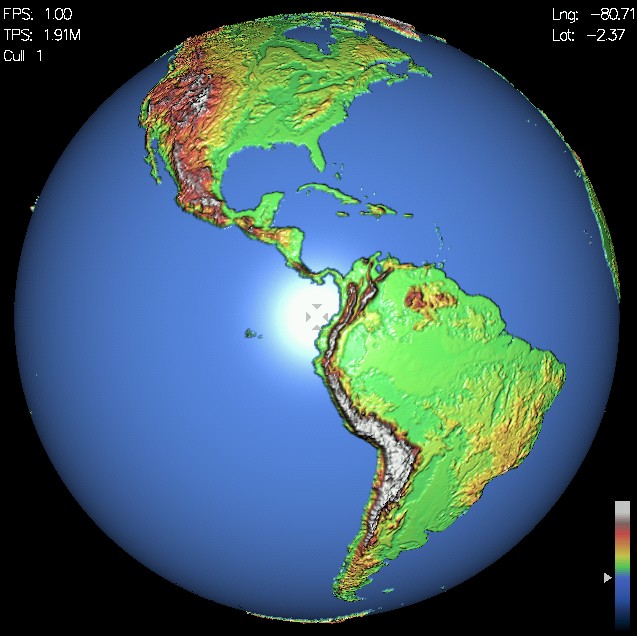
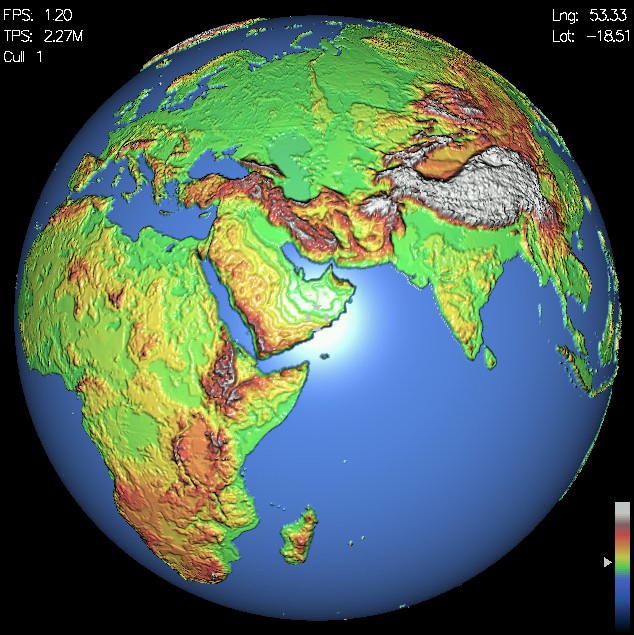
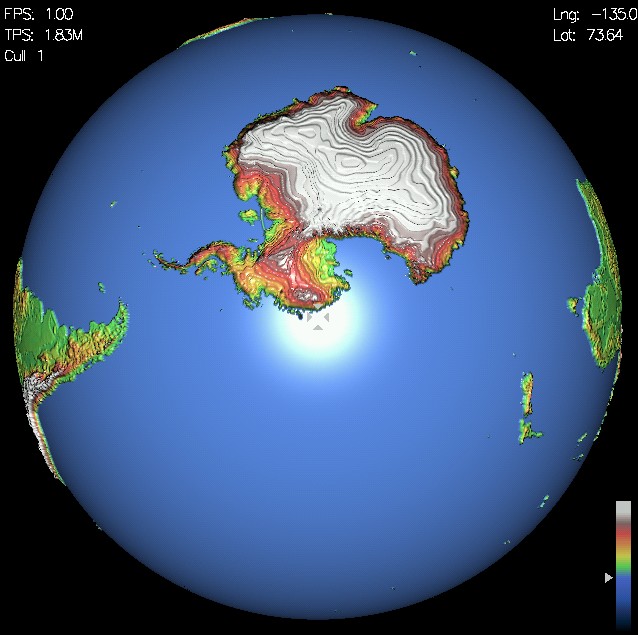
Examine our earth in all its glory with this fantastic 3D earth simulator! Simply click and use your mouse to move in earth in any direction. The data is from real Earth topology. The dataset has a maximum resolution of 21km x 21km and is made up of 1.79 Million height points.
Animation Schools | Free Animations | Animation Freeware & Shareware | Animation Top 10's | Fun Art Quizzes | Build A Website | Web Design Software

Animation Schools | Free Animations | Animation Freeware & Shareware | Animation Top 10's | Art Quizzes | Build A Website | Web Design Software
Contact | Sitemap | Privacy Policy | Article Archive
Copyright 2006-2009 Build A Website
Contact | Sitemap | Privacy Policy | Article Archive
Copyright 2006-2009 Build A Website